 Arrow
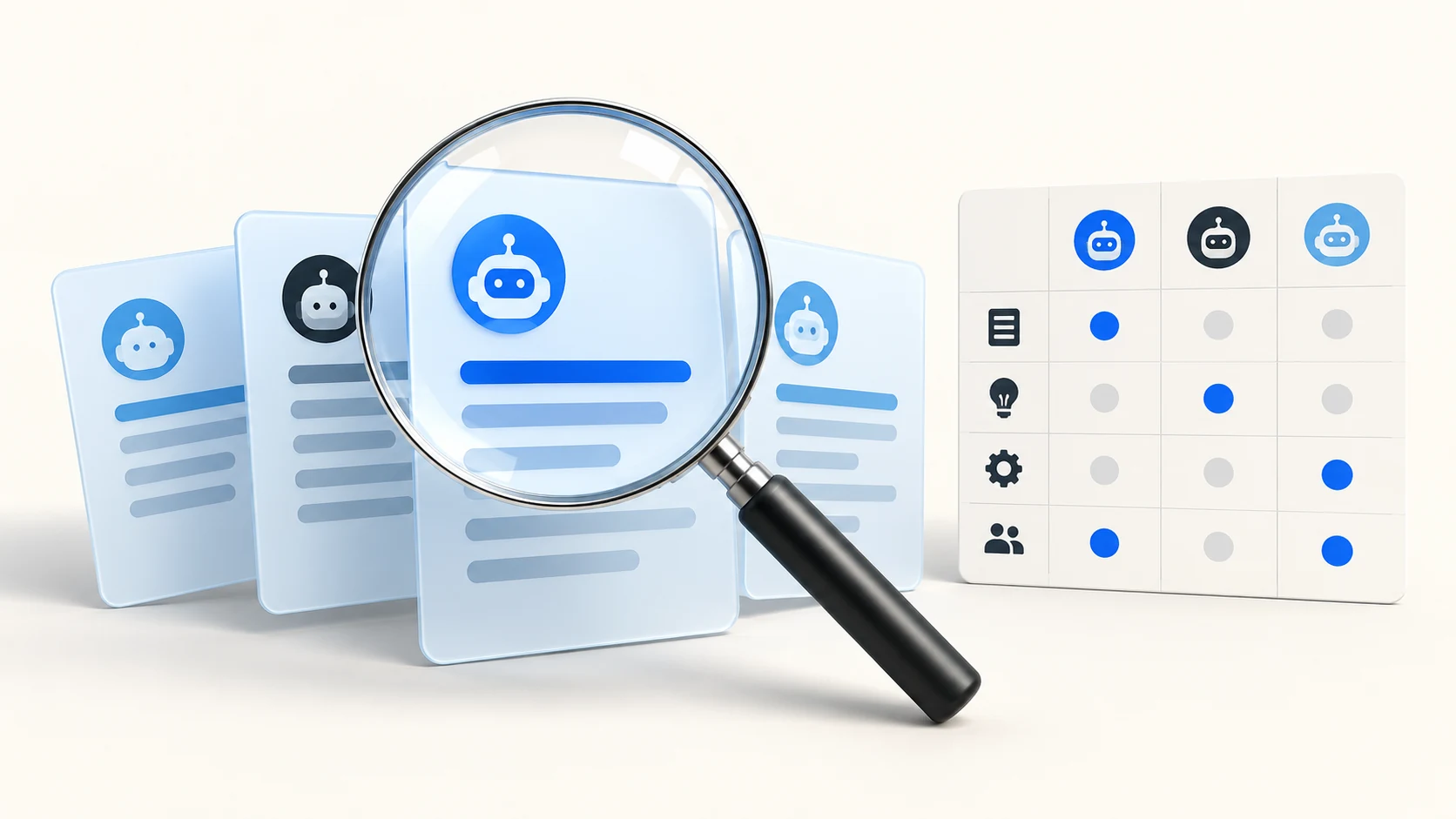
Test relevant questions in a clearly identified Gemini experience, save the complete responses and classify brand mentions, linked sources and explicit recommendations separately. Record the date, language, market and visible settings. Treat Gemini Apps observations and Google Search-grounded Gemini API tests as different datasets.
What one Gemini session showed about collecting evidence
On November 3, 2026, Arrow asked Gemini 3.6 Flash two questions from a signed-in work account: how to measure whether Gemini recommends a business, and which GEO platforms fit a B2B team with limited engineering capacity. Both returned full answers and neither named Arrow. An automated scan of the page found no standard source links, although the first answer visibly showed a source label. Sources may need to be opened and saved by hand from the interface.
A plain text search for the brand also returned a false positive: it matched the account notice below the answer, which contains the work domain. Search the answer body only, then have a person confirm each match. Signed-in sessions can also carry account context, so record the account type with every observation.
The platform question produced linked domains in Google AI Mode the same day (brandlight.ai, onvoyage.ai, scaletheory.ai, botric.ai, synscribe.com and brandviz.ai). Report that as a separate Google AI Mode observation. It does not tell you which sources Gemini Apps used.
Keep source evidence and recommendation evidence distinct
A linked page can support a definition without endorsing its publisher as the best provider. Read the surrounding sentence before assigning a commercial recommendation. Save the actual link target and the passage that makes the recommendation.
Gemini may show sources and related links, and some responses provide neither. Keep inline citations, the Sources panel and related reading links separately labelled. Read the response and linked page together before deciding which claim a source supports.
Use API experiments for their stated scope
Search grounding in the Gemini API is a configurable developer capability. Record whether it was enabled and preserve returned grounding information where available. An API test is useful for a controlled experiment, but it is not evidence that every Gemini Apps user sees the same answer.
For a change review, keep a before-and-after panel with the same classification rules. Report the counts, collection failures and observation window. Use a repeated factual error to choose a source correction, rather than reacting to one isolated wording change.
What to check
- Separate questions that name your company from questions that ask Gemini to choose a provider.
- Save the response and source links before interpreting the outcome.
- Repeat the same question panel in comparable sessions and include absences and failed attempts.
A practical example
If Gemini suggests an answer hub as a resource, record that as a recommendation of the resource. If it also links a specific page, record the citation separately. That single response does not establish how often Gemini recommends the business for unrelated buying questions.
Sources and further reading
- Google: sources and related links in Gemini Apps
- Google AI for Developers: grounding with Google Search
- Arrow: AI citation tracking methodology
These steps are Arrow AI's implementation guidance. The example is illustrative; it is not a measured customer result. Publication and source access do not guarantee an AI recommendation.
Apply this to your website
Identify the source gaps and decide what to improve with Arrow's free audit. Review what Arrow GEO measures before choosing a reporting scope.