 Arrow
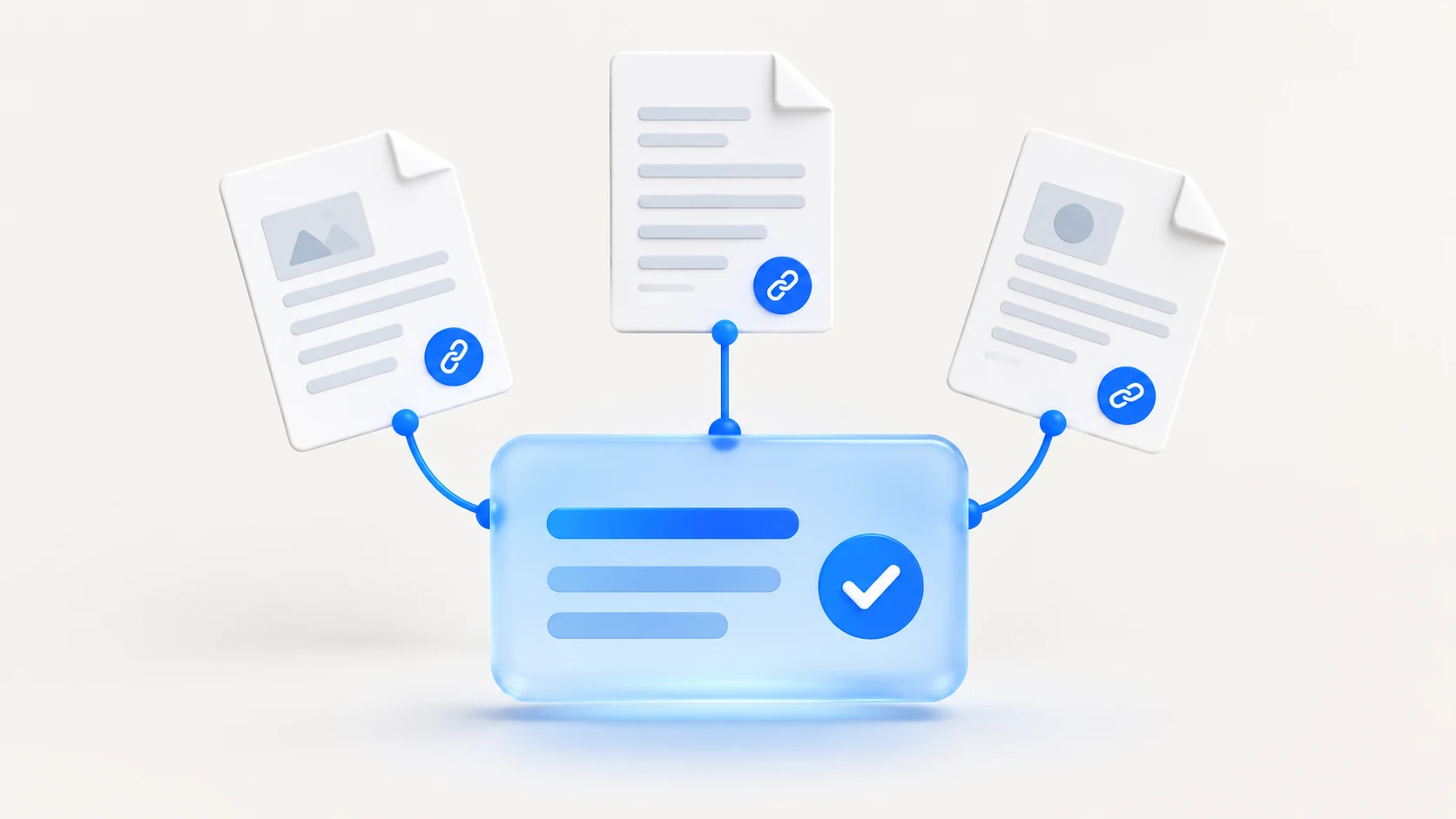
Make the current menu readable as page text, identify the location and service period, and explain where prices or availability are confirmed. A downloadable file can complement the menu, but diners should not need to interpret an old image to discover what the restaurant serves.
Give each menu a clear context
Distinguish lunch, dinner, tasting and event menus. Identify sample or seasonal dishes as such, with a team member responsible for updates. Keep booking pages and public business profiles consistent with the menu location and service hours.
Keep the sector facts verifiable
The restaurant team should own current menus, service hours and reservation conditions. Kitchen-reviewed dietary information must remain connected to the actual preparation process. Avoid treating a menu symbol as a personalized safety determination, and ensure photographs and price descriptions refer to the current offer.
What to check
- Identify the menu location and service period.
- Keep core menu information readable in HTML.
- Label samples and seasonal availability.
A practical example
A sample restaurant has different lunch and evening offers. Its menu page labels both clearly and prevents a search visitor from assuming a lunch price applies to dinner.
Sources and further reading
- Google Search Central: generative AI search guidance
- Google Business Profile: accurate business representation
These steps are Arrow AI's implementation guidance. The example is illustrative; it is not a measured customer result. Publication and source access do not guarantee an AI recommendation.
Apply this to your website
Identify the source gaps and decide what to improve with Arrow's free audit. Review what Arrow GEO measures before choosing a reporting scope.